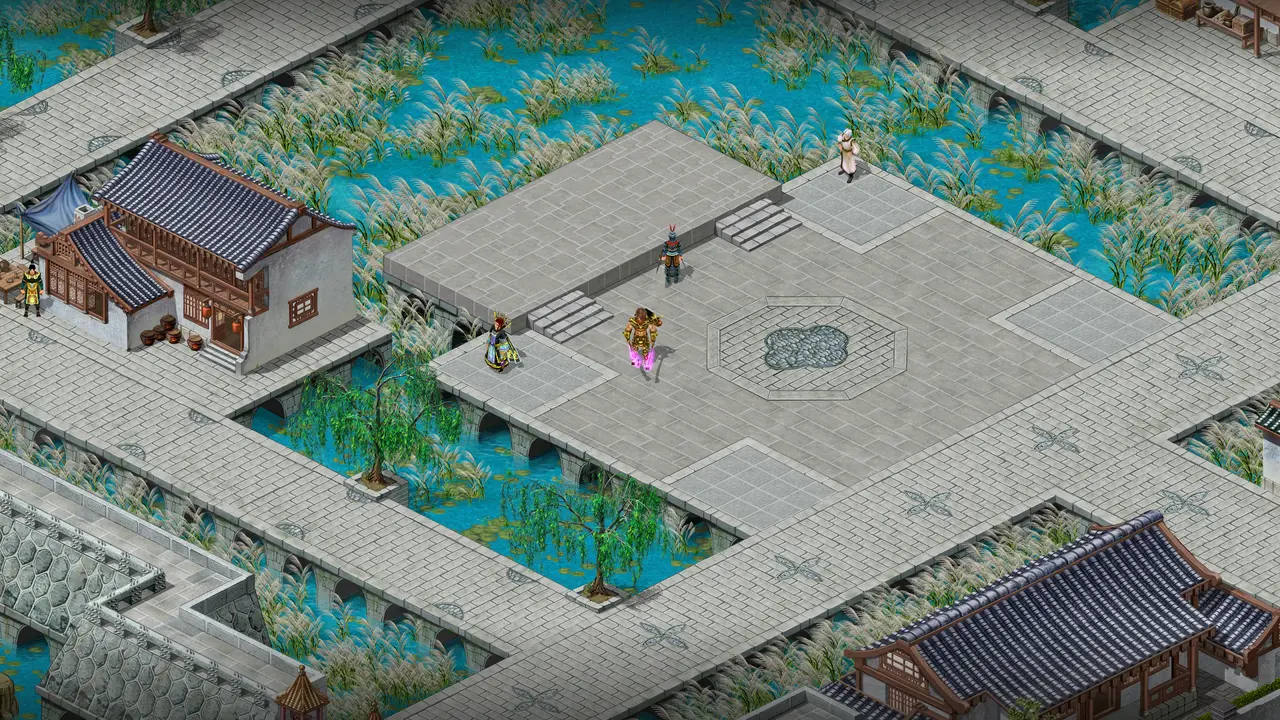
Everything the old client should have had
Modern graphics, bigger screens, an interface you arrange yourself and a launcher that does the work. Every extra is a setting: the classic look stays one click away.
Up close, the difference is clear.
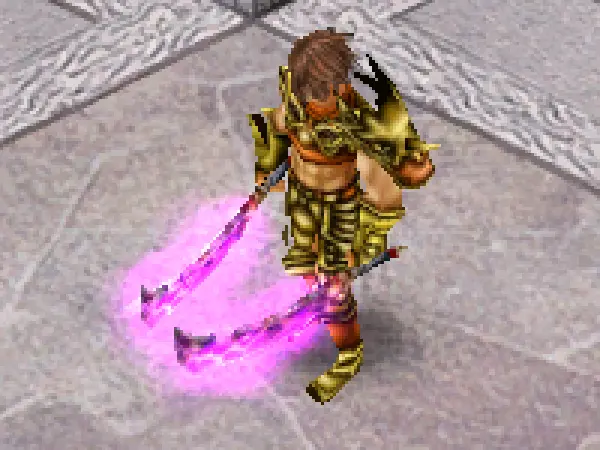
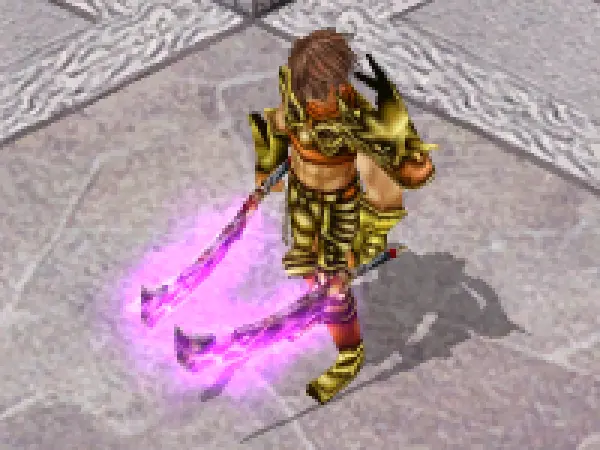
Four close-ups of the same frame: on the left the classic 16-bit look with jagged edges and blob shadows, on the right 32-bit colour, anti-aliasing, sharp textures and full shadows. Drag any handle.
- Drag the window to any size. The game redraws at the new size; a bigger window shows more of the world, never stretched.
- Window, Maximized or Fullscreen, and Alt+Enter for borderless fullscreen.
- Frame-rate limit of 30, 60, 120, 144 or unlimited, and VSync.
- Shadows off, simple or full.
 ClassicJoinConquer

 ClassicJoinConquer
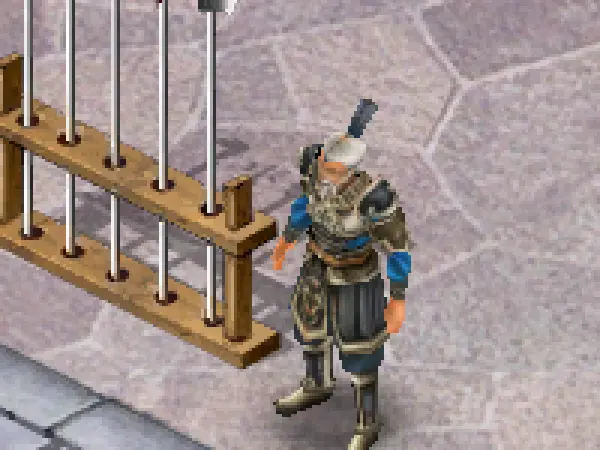
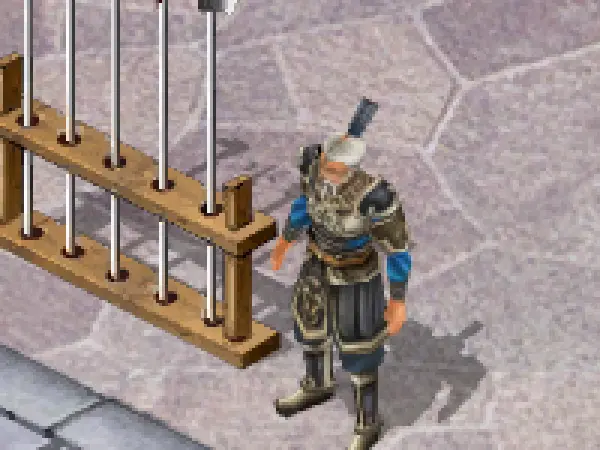 ClassicJoinConquer
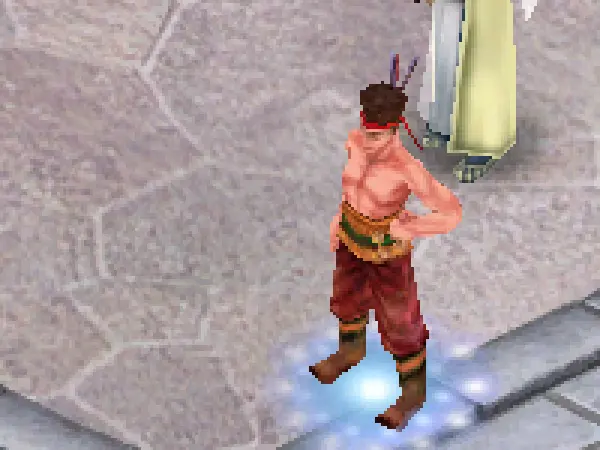
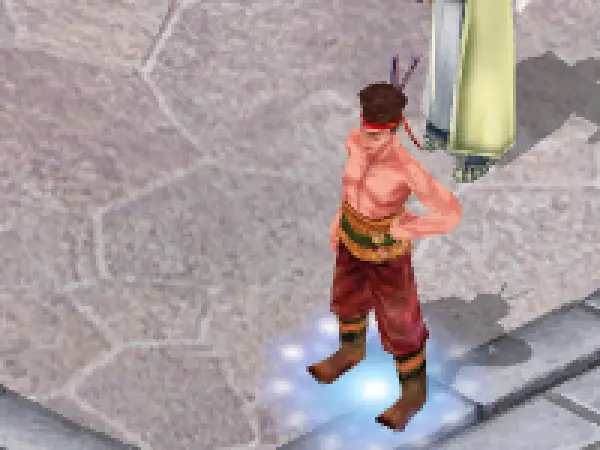 ClassicJoinConquer
Close-ups from one Twin City frame, enlarged 3× with hard pixels so every edge shows.
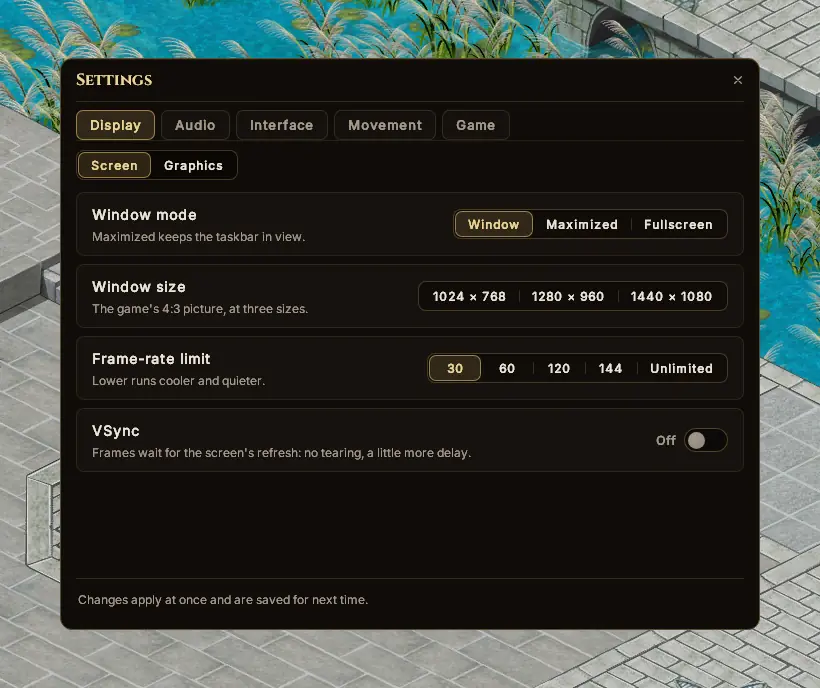
Window mode
Maximized keeps the taskbar in view.
Window size
Three 4:3 presets, or drag the window's edge to any size.
Frame-rate limit
Lower runs cooler and quieter.
VSync
No tearing, a little more delay.
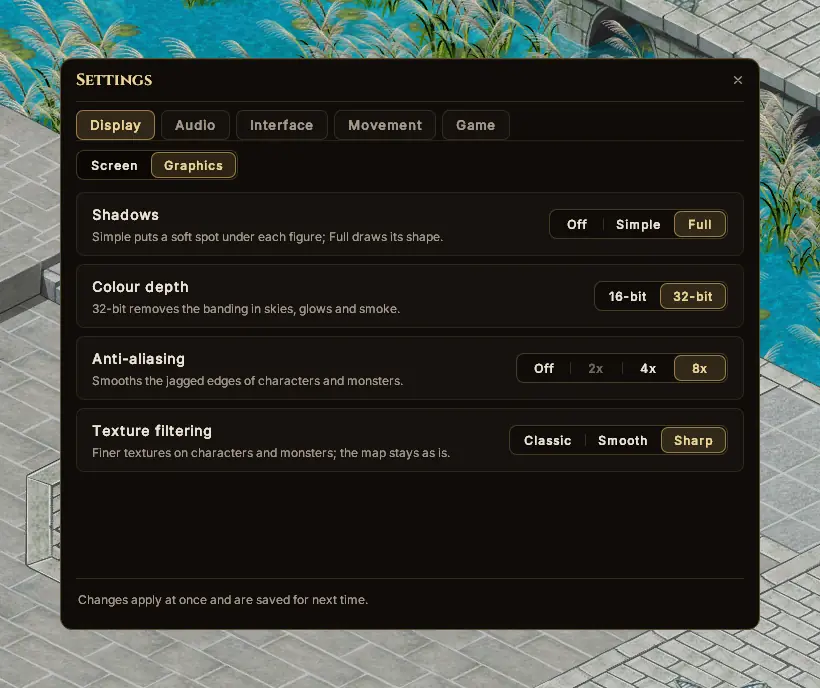
Shadows
Simple puts a soft spot under each figure; Full draws its shape.
Colour depth
32-bit removes the banding in skies, glows and smoke.
Anti-aliasing
Smooths the edges of characters and monsters.
Texture filtering
Finer textures on characters and monsters.
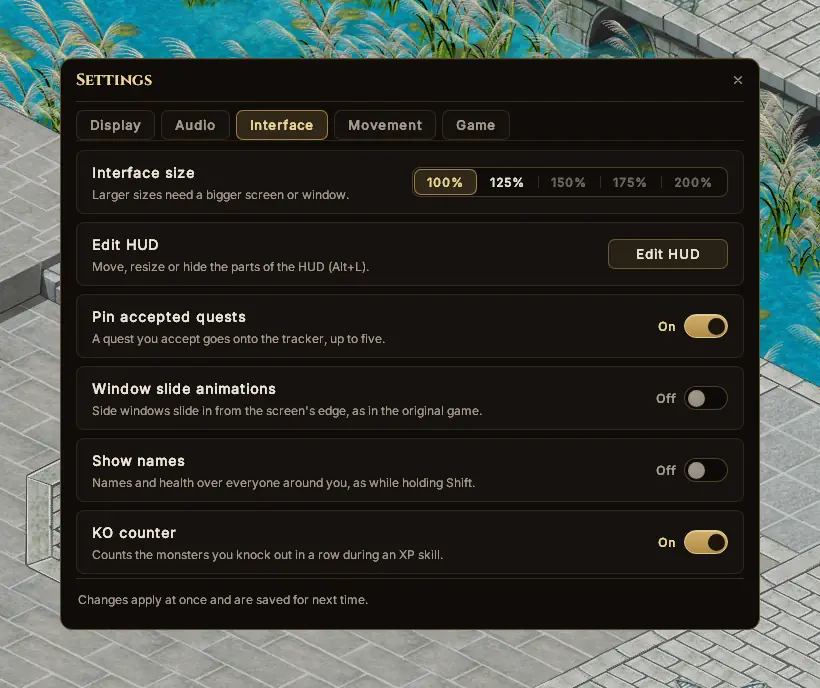
Interface size
Bigger windows, HUD and text for big screens.
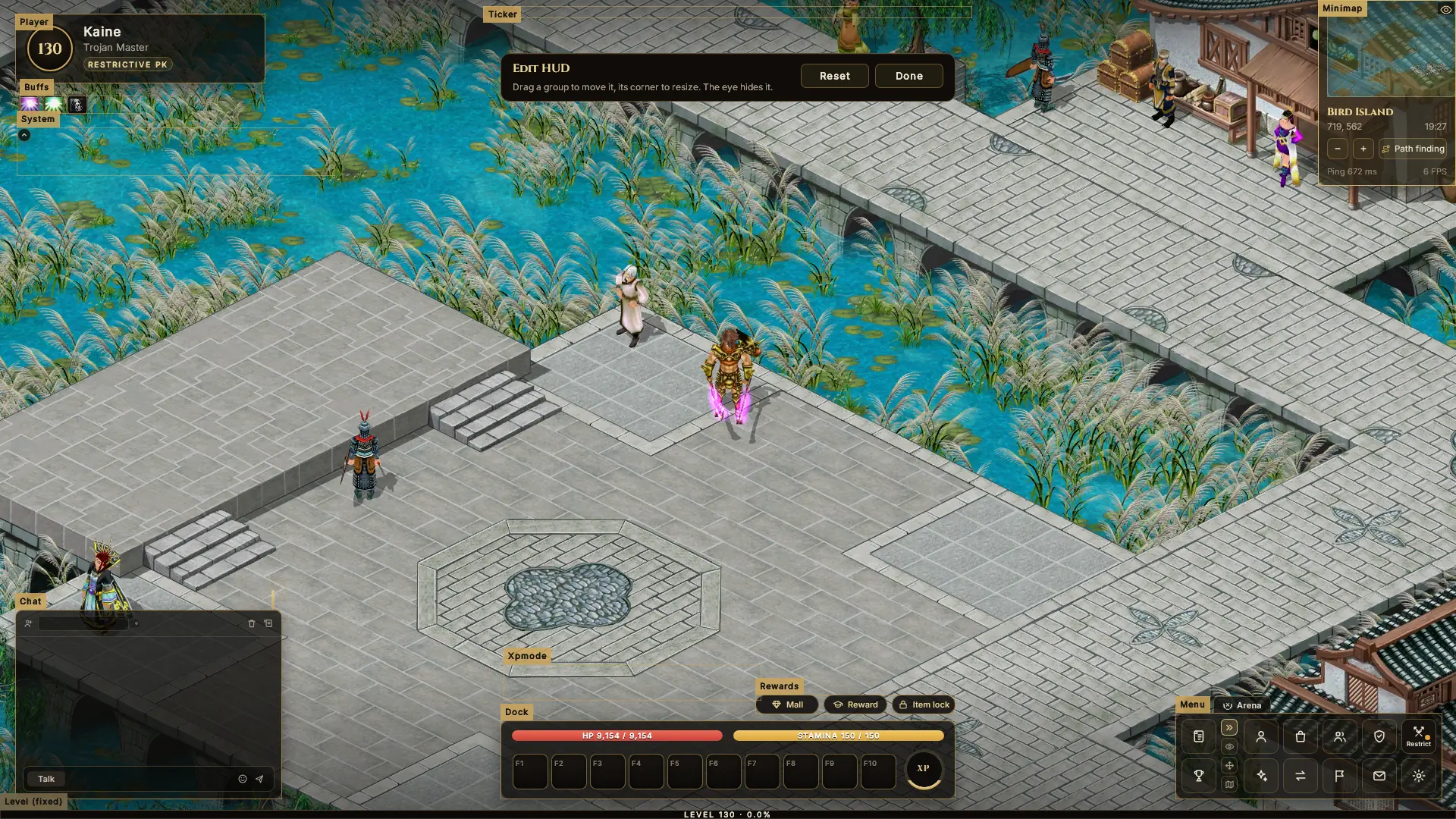
Edit HUD
Move, resize or hide any part of the HUD (Alt+L).
Pin accepted quests
Up to five quests on the tracker.
Show names
Names and health over everyone, without holding Shift.
Smooth movement
Walks, runs and jumps glide all the way into their cell.
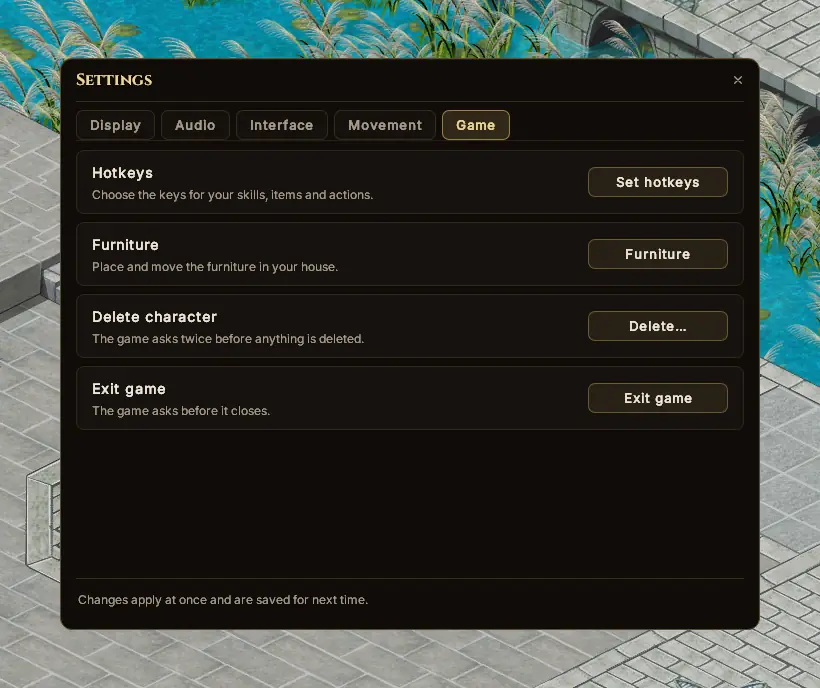
Hotkeys
Choose the keys for your skills, items and actions.
KO counter
Counts your knockouts in a row during an XP skill.
Music
The background music, on its own slider.
Sound effects
Fights, skills, footsteps and the world around you.
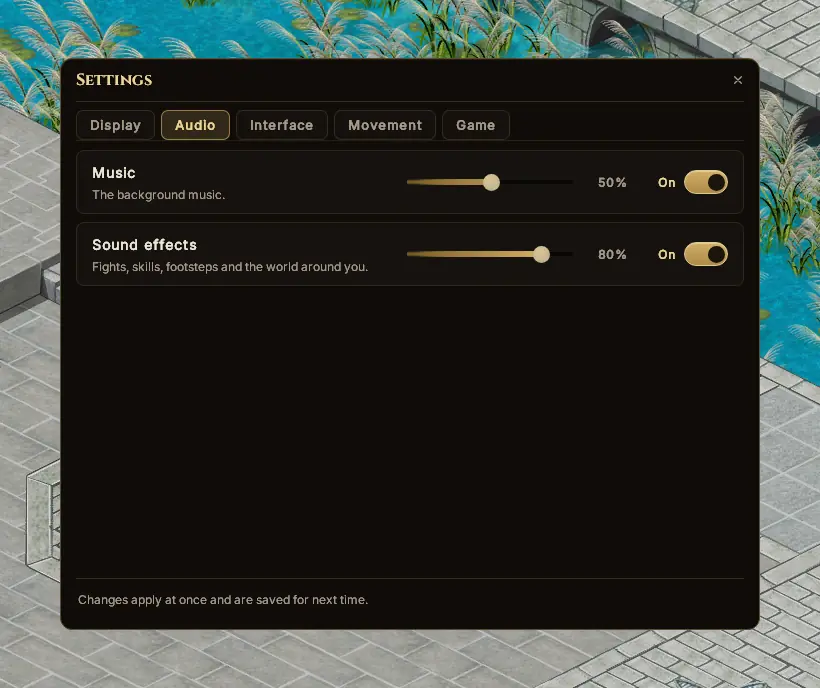
The real options from the in-game Settings window (Alt+O). Changes apply at once.
A HUD that gets out of your way
Every panel rebuilt, so the world gets the screen. Point at a number to see what it is.
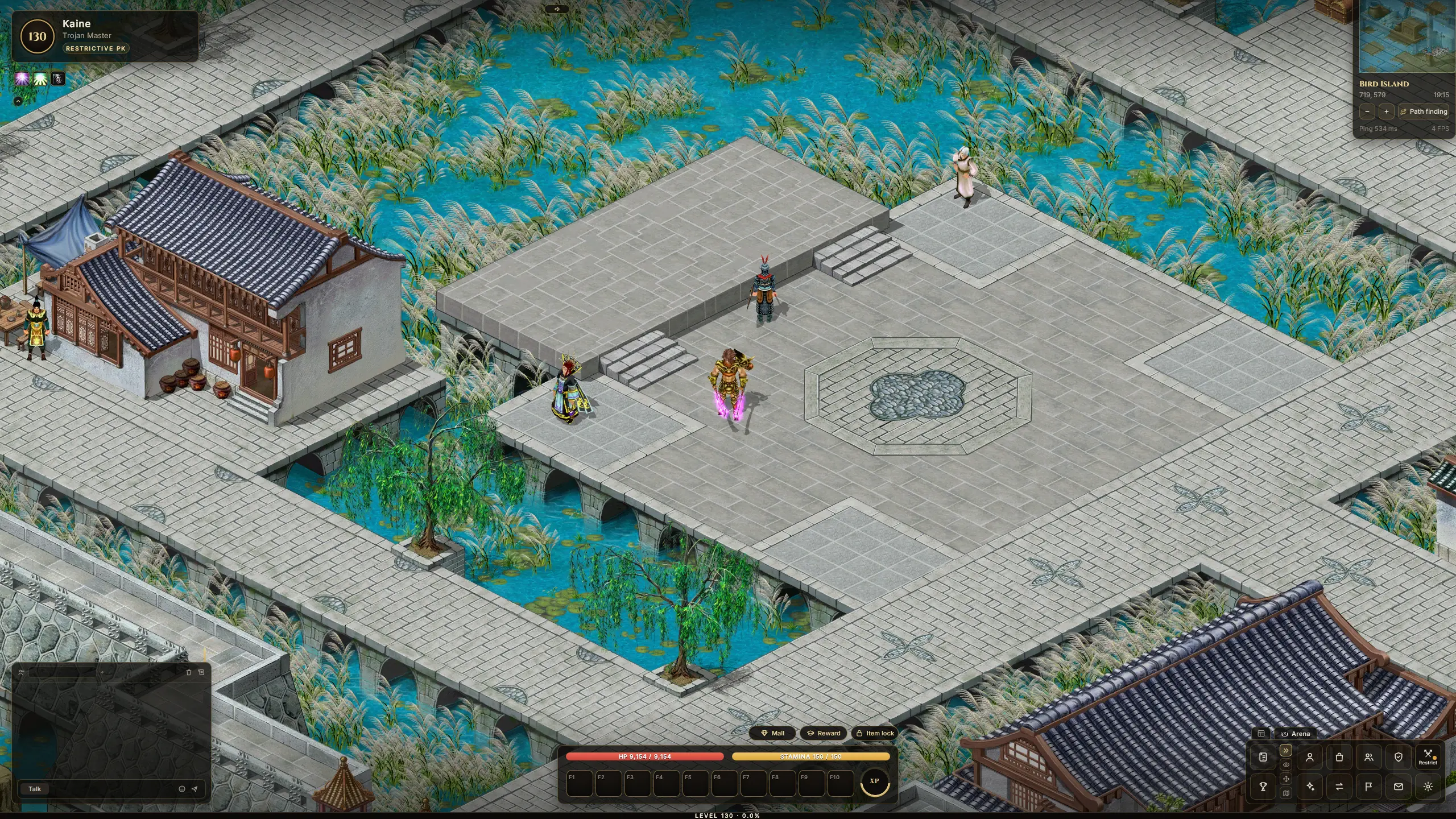
- 1Character cardLevel, class and PK mode at a glance.
- 2MinimapThe map's name, your position, path finding.
- 3Quick buttonsMail, rewards and the item lock.
- 4ChatChannel tabs, out of the way.
- 5The dockHP, Stamina, F1–F10 and the XP ring.
- 6MenuEvery window, plus the Arena.
Your screen, your layout
Press Alt+L. Drag any panel where you want it, pull a corner to resize it, or hide what you don't need. Your layout is saved for each character and keeps its place at any resolution.
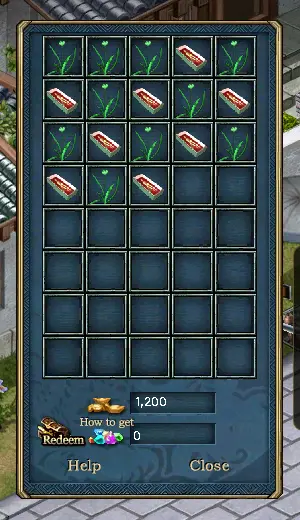
Every window redrawn. Every icon still yours.
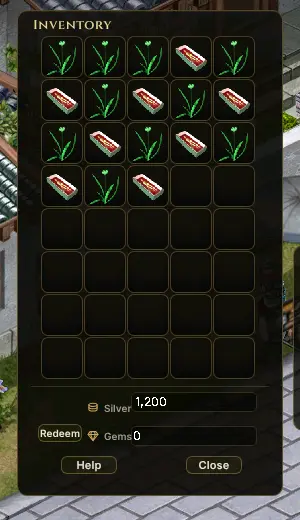
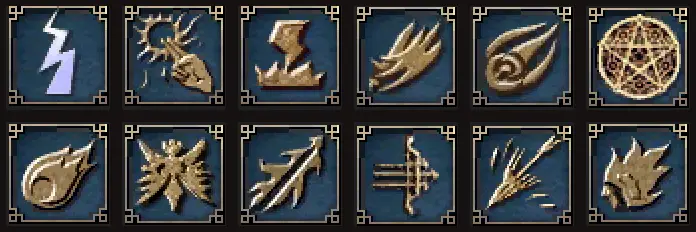
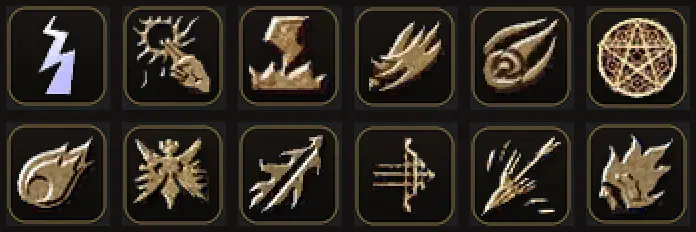
Every one of TQ's windows is redrawn in one style. Skills keep their own pictures, without the old blue backplate, and items keep the art you know.
 TQNew
TQNew
 TQNew
TQNew
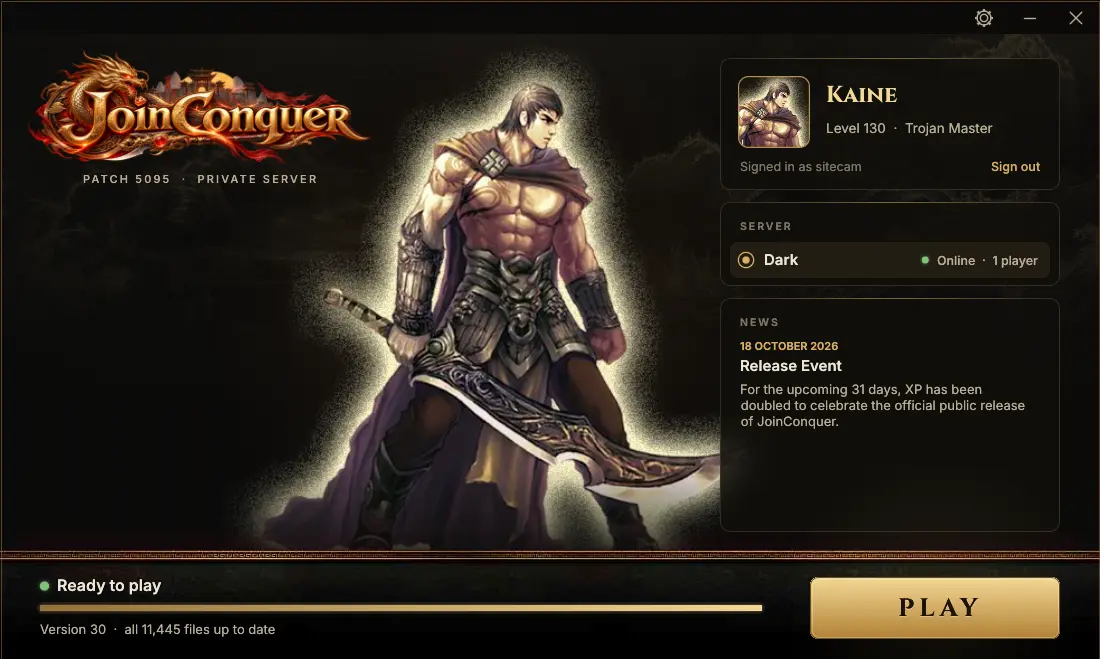
One launcher. Sign in, press Play.
No more patchers and login screens. The launcher keeps the game up to date, lets you make your character and takes you straight into Twin City.
- Sign in once. It remembers you on this PC.
- Always up to date. Patches download before you play.
- Make your character before the game even starts.
- Server status and news on the front page.
- Anti-cheat keeps hackers and botters out of the game.
- Repair game files with one button.
- Play takes you straight in. No second login.
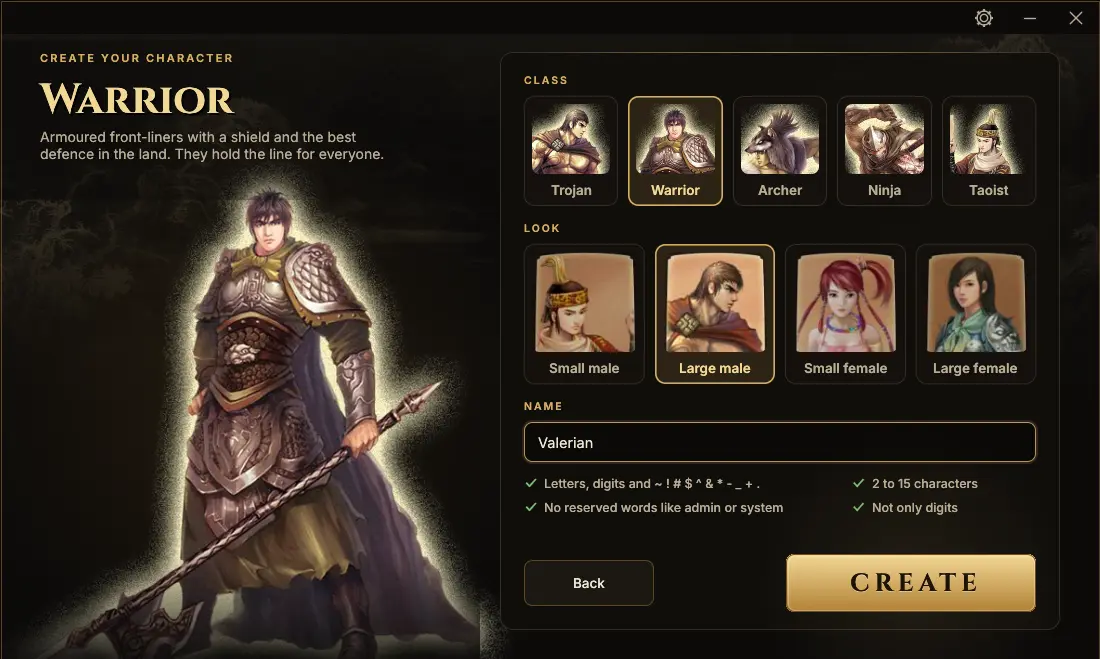
The game you remember, with more to chase
Every system of patch 5095, rebuilt in our own server. Original rates, hard-earned gear and no pay-to-win.
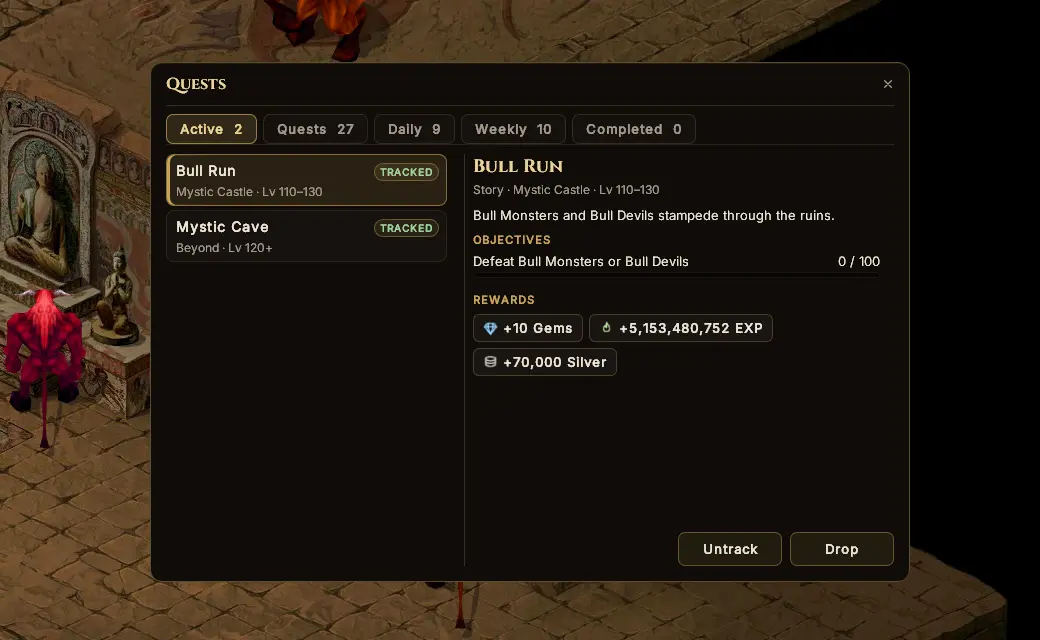
Quests in their own window
Story chains through every region, and daily and weekly hunts that rotate. Accept, track and turn in without hunting for the right NPC.
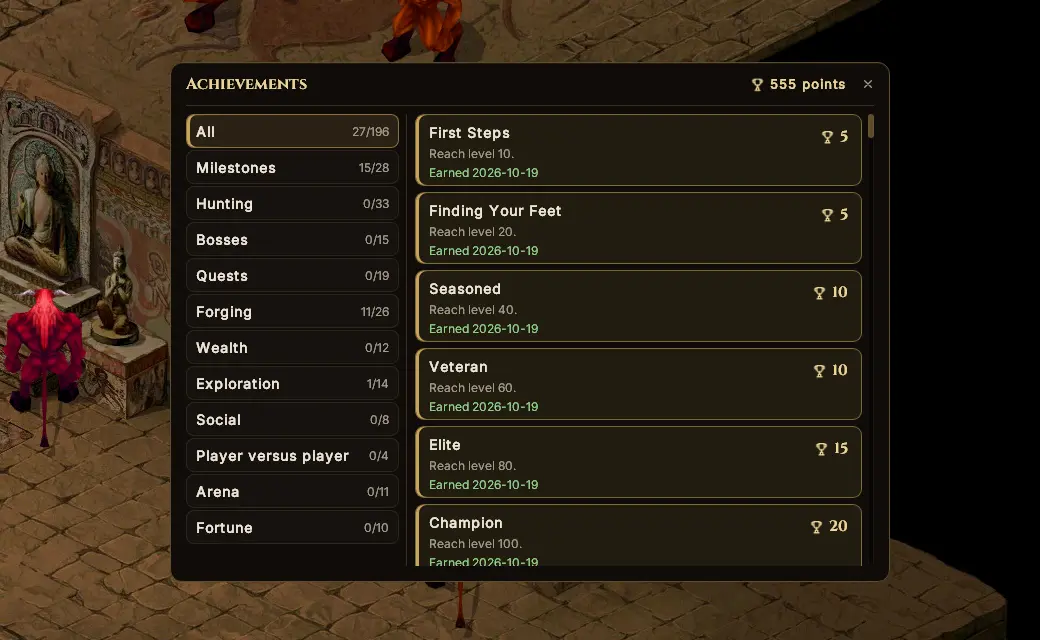
Points next to your name
Earn achievement points for everything you do, shown next to your name for everyone to see.
Original EXP & drops
The authentic 5095 climb. Full Super is hard-earned.
Gems and +Stones
Rare Gem and +Stone drops, earned by playing.
Fair play
No pay-to-win shop. Players vote on what comes next.
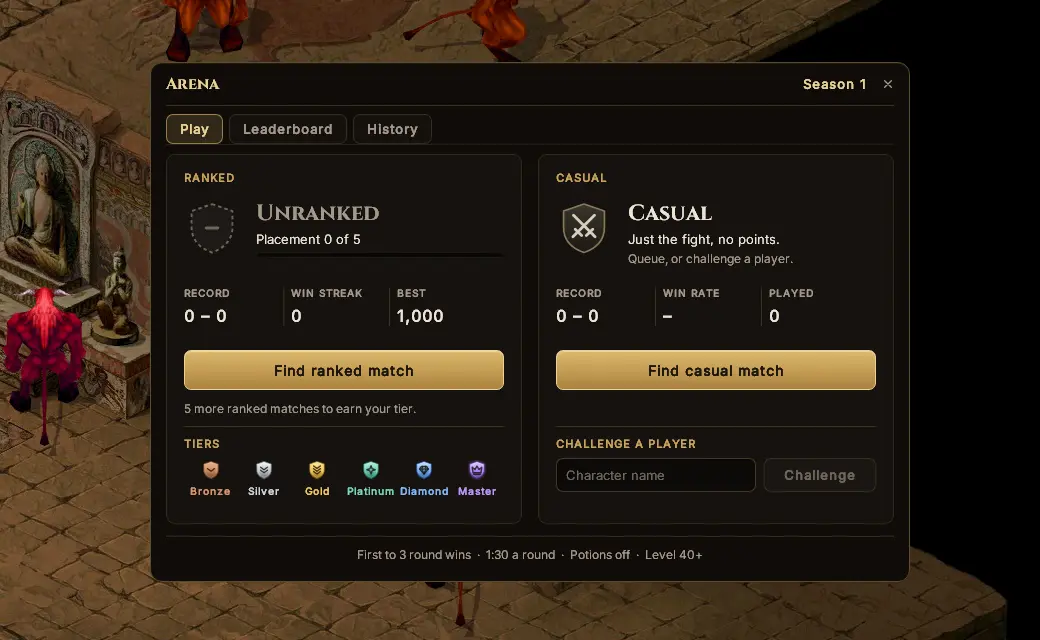
One on one. First to three.
Queue for Ranked or Casual, or challenge a friend by name. You're taken to a private arena; every round starts on a countdown and the first to three wins.
- Ranked moves your Arena Points: climb from Bronze to Master through the season.
- Casual is just the fight: no points, no pressure.
- No death penalties in the arena, and leaderboards by class.